 English
  日本語
日本語  简体中文
简体中文  Tiếng Việt
  Bahasa Indonesia
  ဗမာစာ
ဗမာစာ  Tagalog
  नेपाली
 Easy Japanese (N4)・
How to choose pages with forother languages
- TOP
- How to choose pages for Easy Japanese (N4) and other words
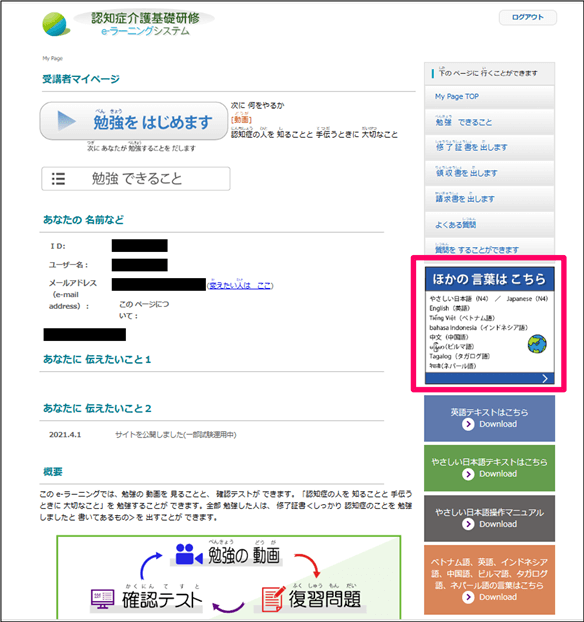
Click here for other words

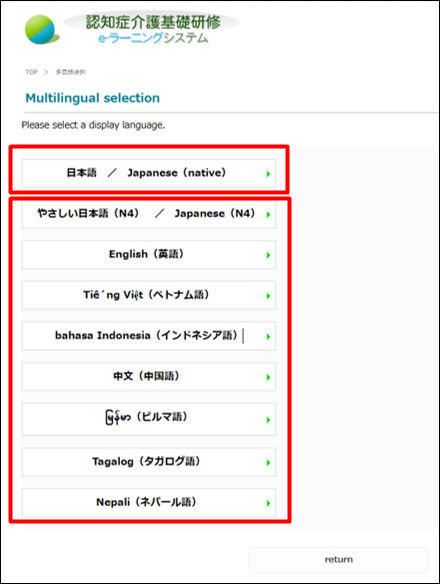
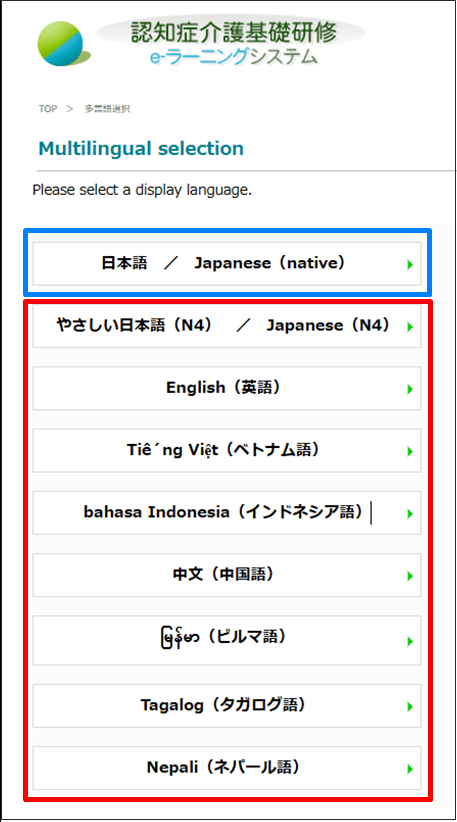
Click to select one of the eight display languages
To return to the normal Japanese top page, click Japanese/ Japanese (native)Click
Easy Japanese My Page(Seven other languages are also displayed in easy Japanese.)
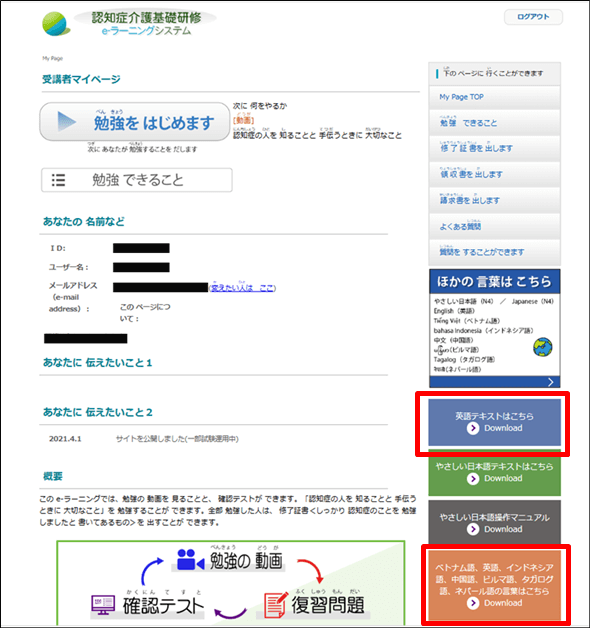
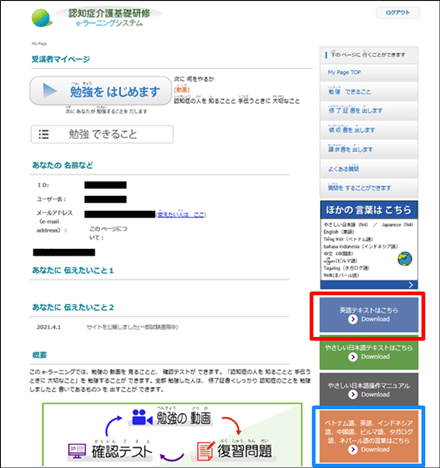
Text buttons for the selected language will be displayed
A terminology table in eight languages